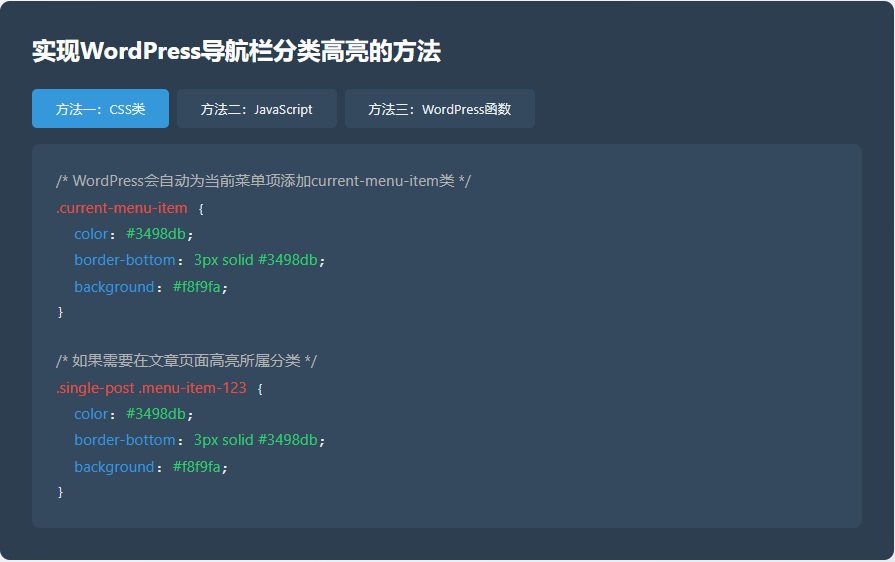



方法一:CSS类
/* WordPress会自动为当前菜单项添加current-menu-item类 */
.current-menu-item {
color: #3498db;
border-bottom: 3px solid #3498db;
background: #f8f9fa;
}
/* 如果需要在文章页面高亮所属分类 */
.single-post .menu-item-123 {
color: #3498db;
border-bottom: 3px solid #3498db;
background: #f8f9fa;
}
方法二:JavaScript
// JavaScript解决方案:检测当前分类并高亮对应菜单项
document.addEventListener('DOMContentLoaded', function() {
// 获取当前文章分类(这里需要根据实际情况调整)
var currentCategory = '科技'; // 这应该从WordPress获取

// 获取所有菜单项
var menuItems = document.querySelectorAll('.menu-item a');

// 遍历菜单项,找到匹配的分类
menuItems.forEach(function(item) {
if (item.textContent.trim() === currentCategory) {
item.classList.add('current-category');
item.parentElement.classList.add('current-category');
}
});
});
方法三:WordPress函数
THE END






暂无评论内容